Nicole Kirk

Touch Tiles

Light-up tiles for tennis. They light up in a random sequence across the court, and the player runs to tap each one.

IB Design Technology · Tonbridge Grammar School · 2024

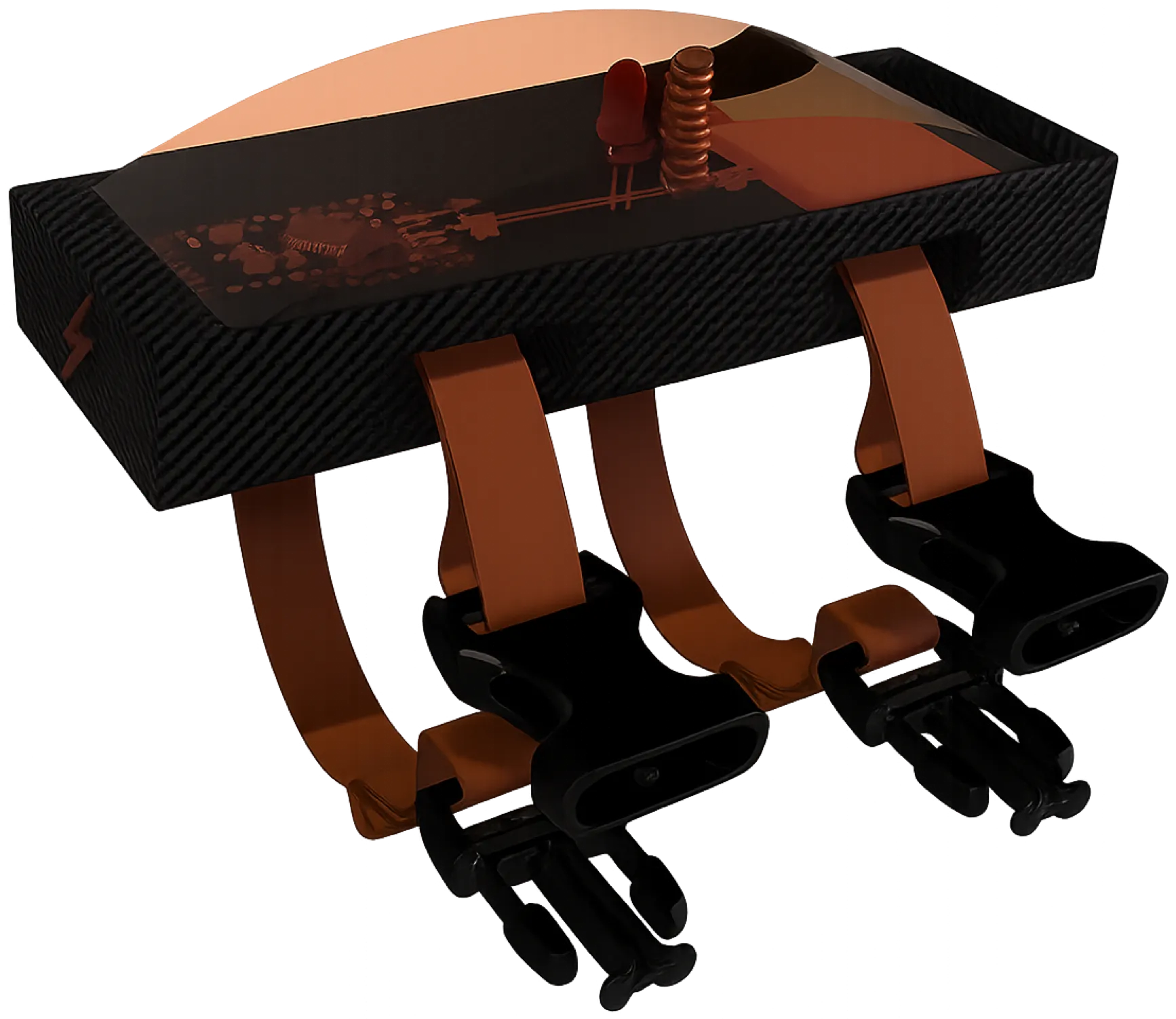
Render of a Touch Tile: a carbon-black housing under a clear domed cover, the electronics visible inside, with orange straps and black clips hanging below.

Brief

Design a product that can aid or improve healthy lifestyle

Concept development
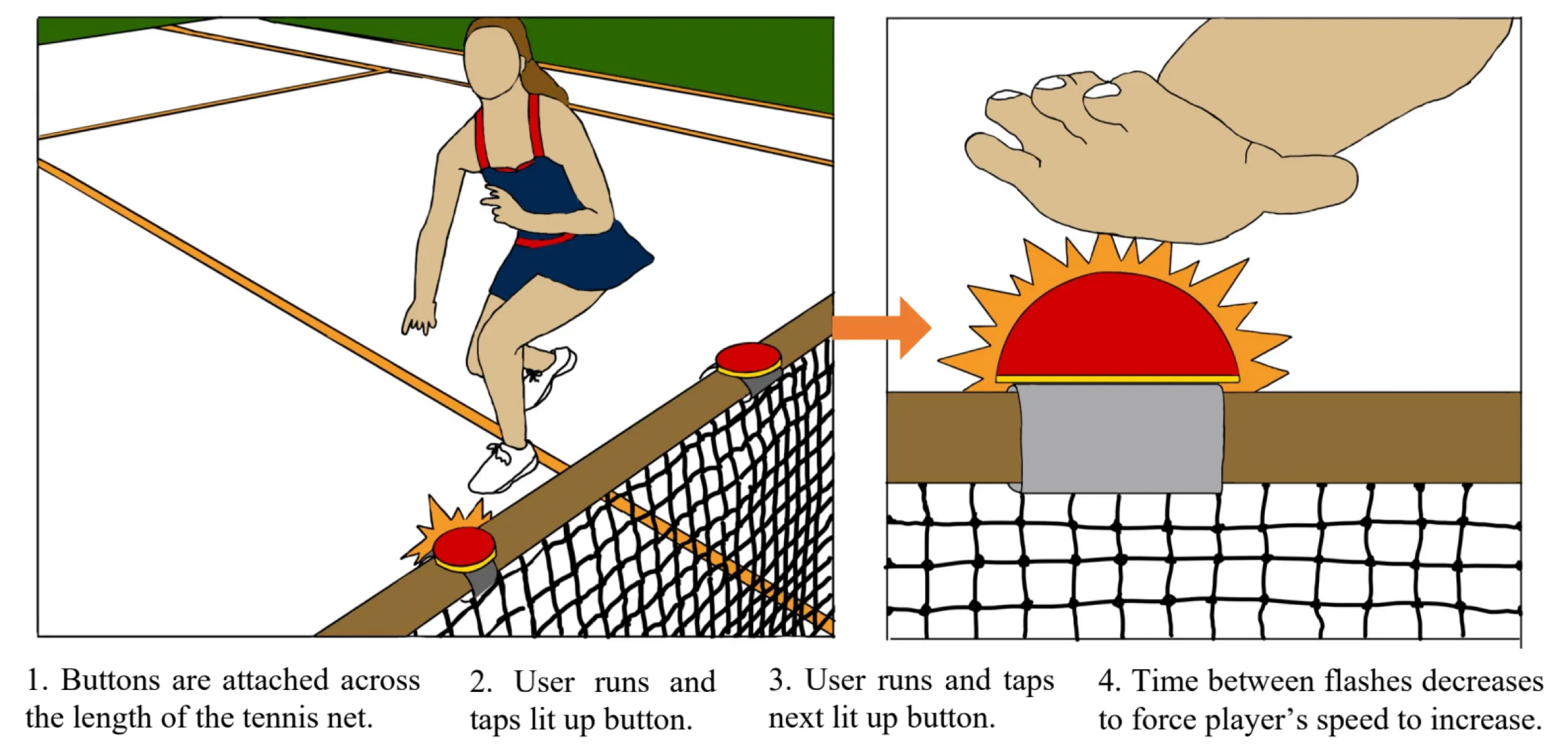
Concept 1, in two drawings: a player runs and taps a lit button fixed to the top of the tennis net. Captions: 1. Buttons are attached across the length of the tennis net. 2. User runs and taps lit up button. 3. User runs and taps next lit up button. 4. Time between flashes decreases to force player's speed to increase.
Concept 1
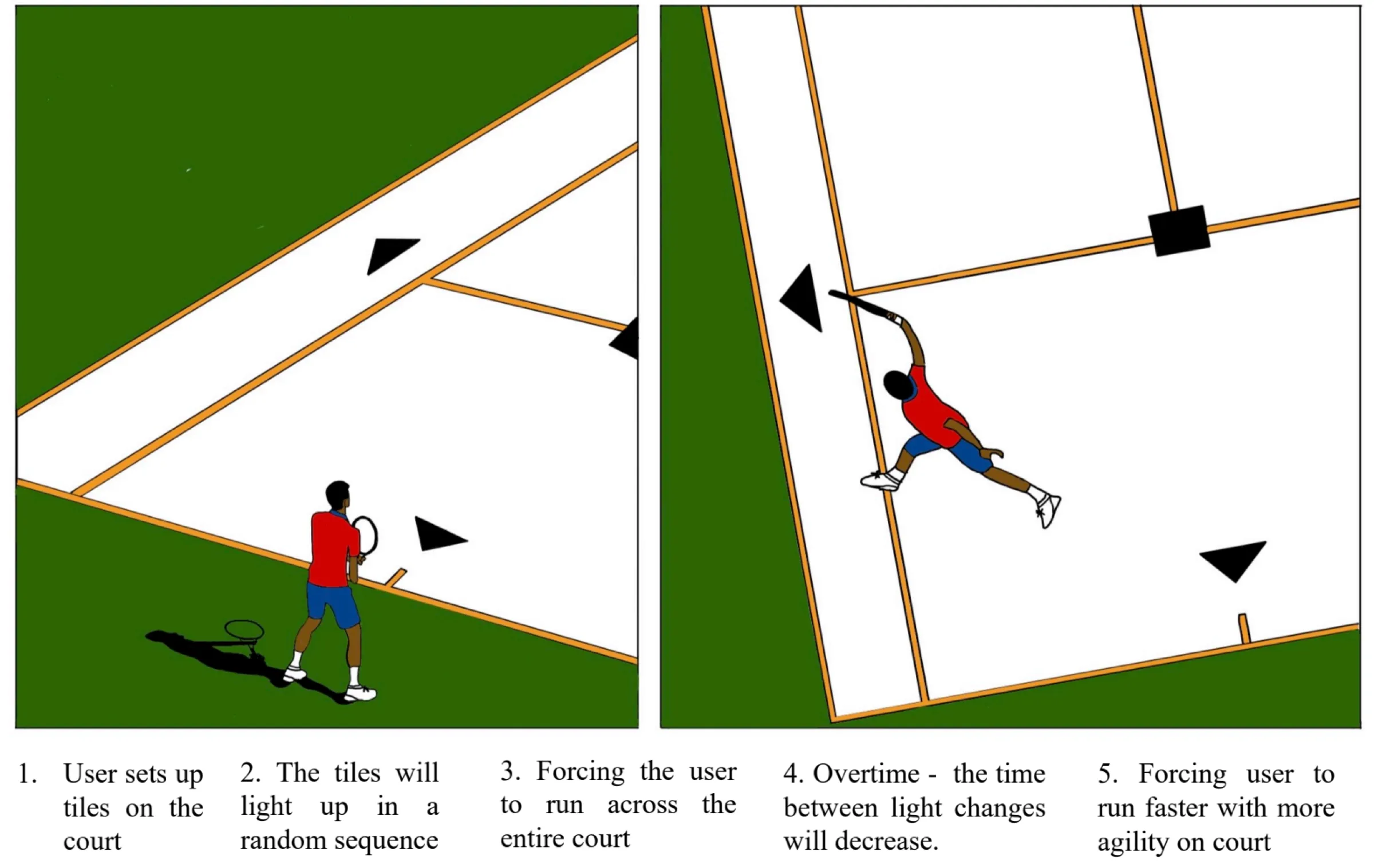
Concept 2, in two drawings from above: black triangle tiles set out on a court, a player stretching to reach one. Captions: 1. User sets up tiles on the court. 2. The tiles will light up in a random sequence. 3. Forcing the user to run across the entire court. 4. Overtime, the time between light changes will decrease. 5. Forcing user to run faster with more agility on court.
Concept 2
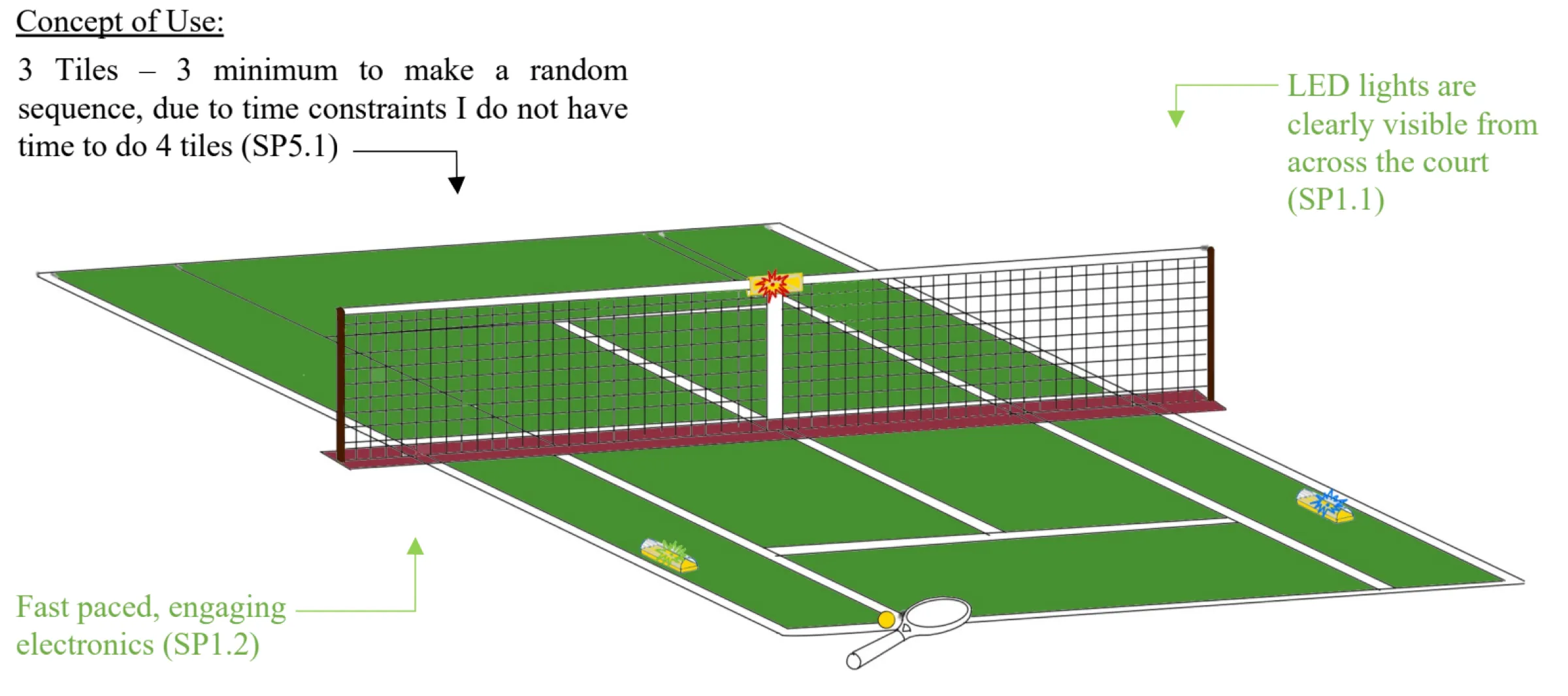
Concept of use: a tennis court in perspective with three tiles, one on top of the net and two on the court. Notes: 3 Tiles, 3 minimum to make a random sequence, due to time constraints I do not have time to do 4 tiles. LED lights are clearly visible from across the court. Fast paced, engaging electronics.
Concept 1+2 combined
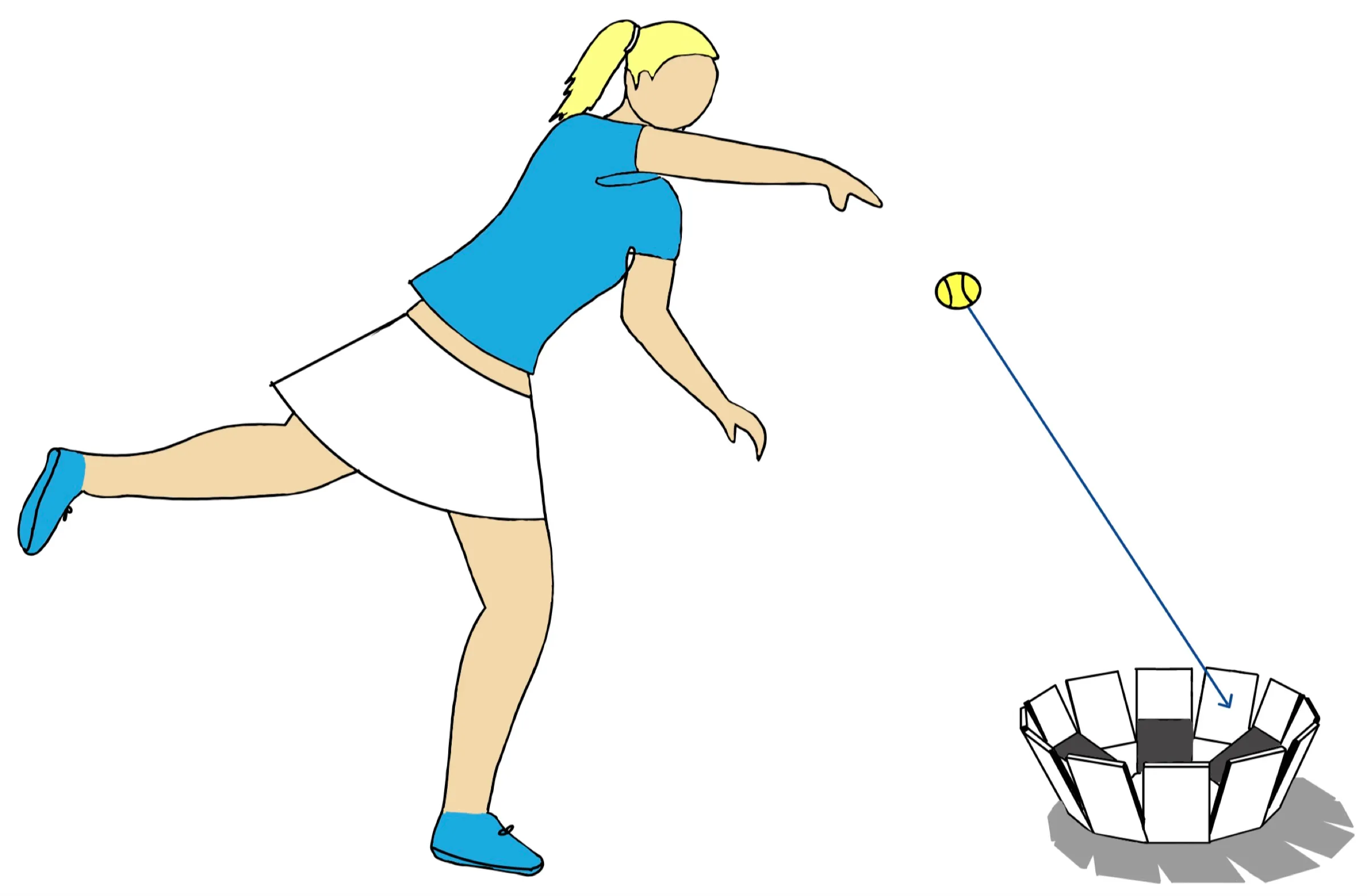
Concept 3: a player throwing a tennis ball up towards a target basket on the ground.
Concept 3

Modelling

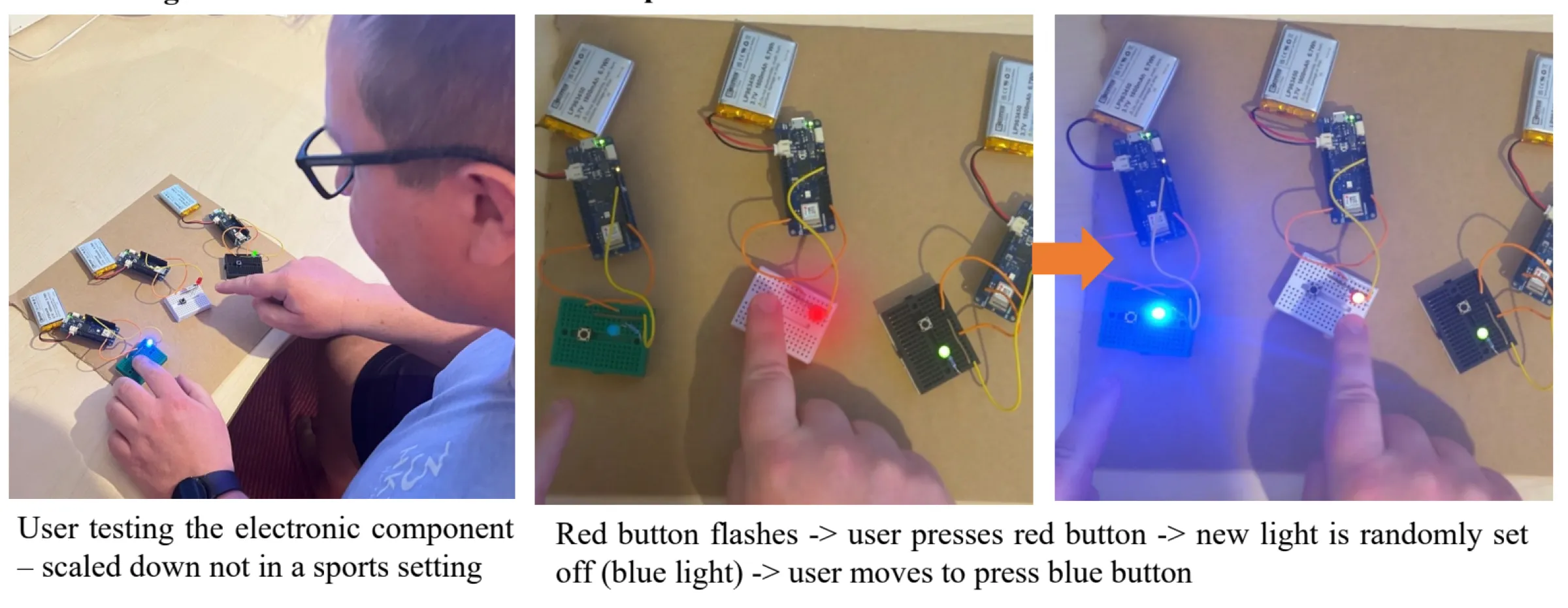
Red button flashes user presses red button new light is randomly set off (blue light) user moves to press blue button

  1. Concept 1+2 combined:

    • 3 Tiles – 3 minimum to make a random sequence
    • LED lights are clearly visible from across the court
    • Fast paced, engaging electronics
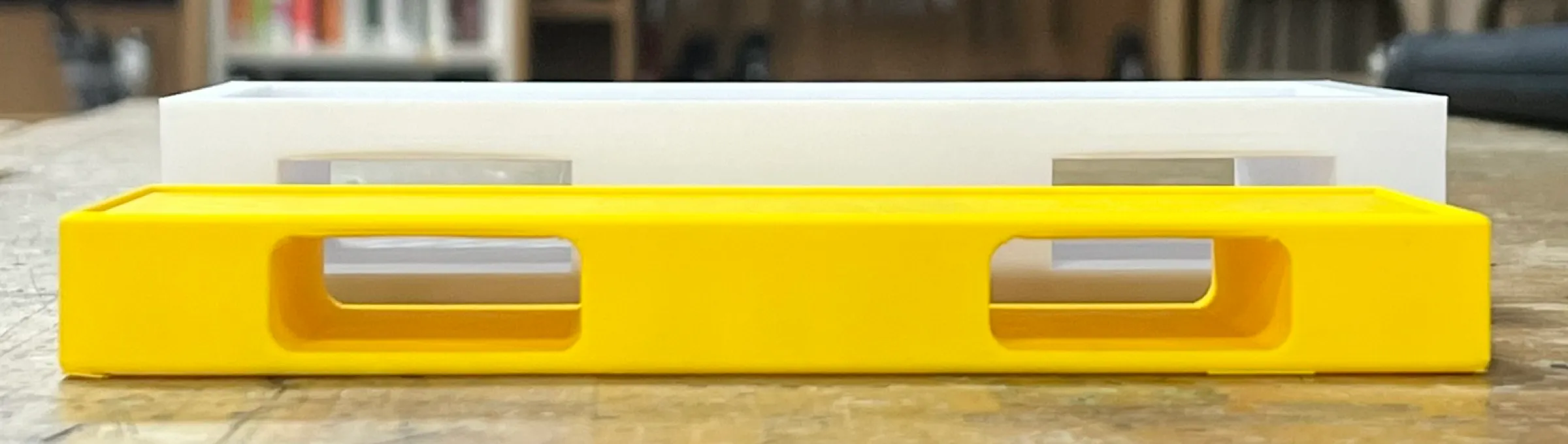
  2. Size + Material testing:

    A long yellow 3D-printed housing on a workbench, with two cut-outs along its side for the strap.
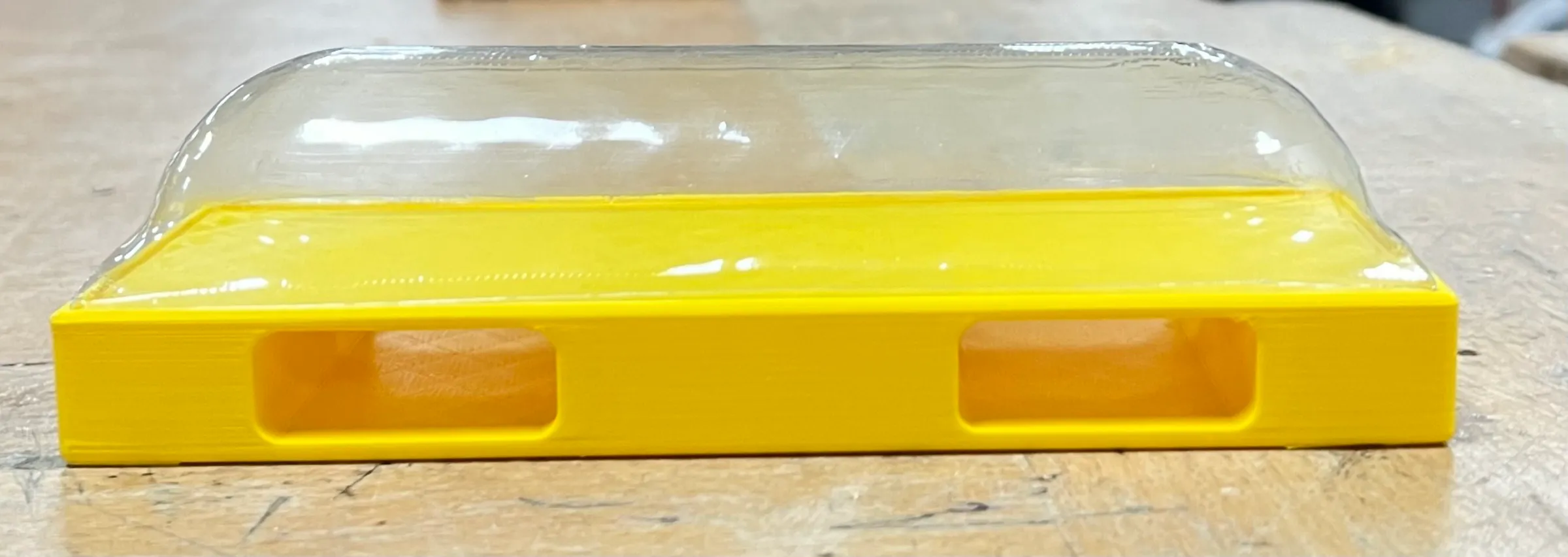
    The yellow housing with a clear vacuum-formed cover over the top.
  3. Making the housing

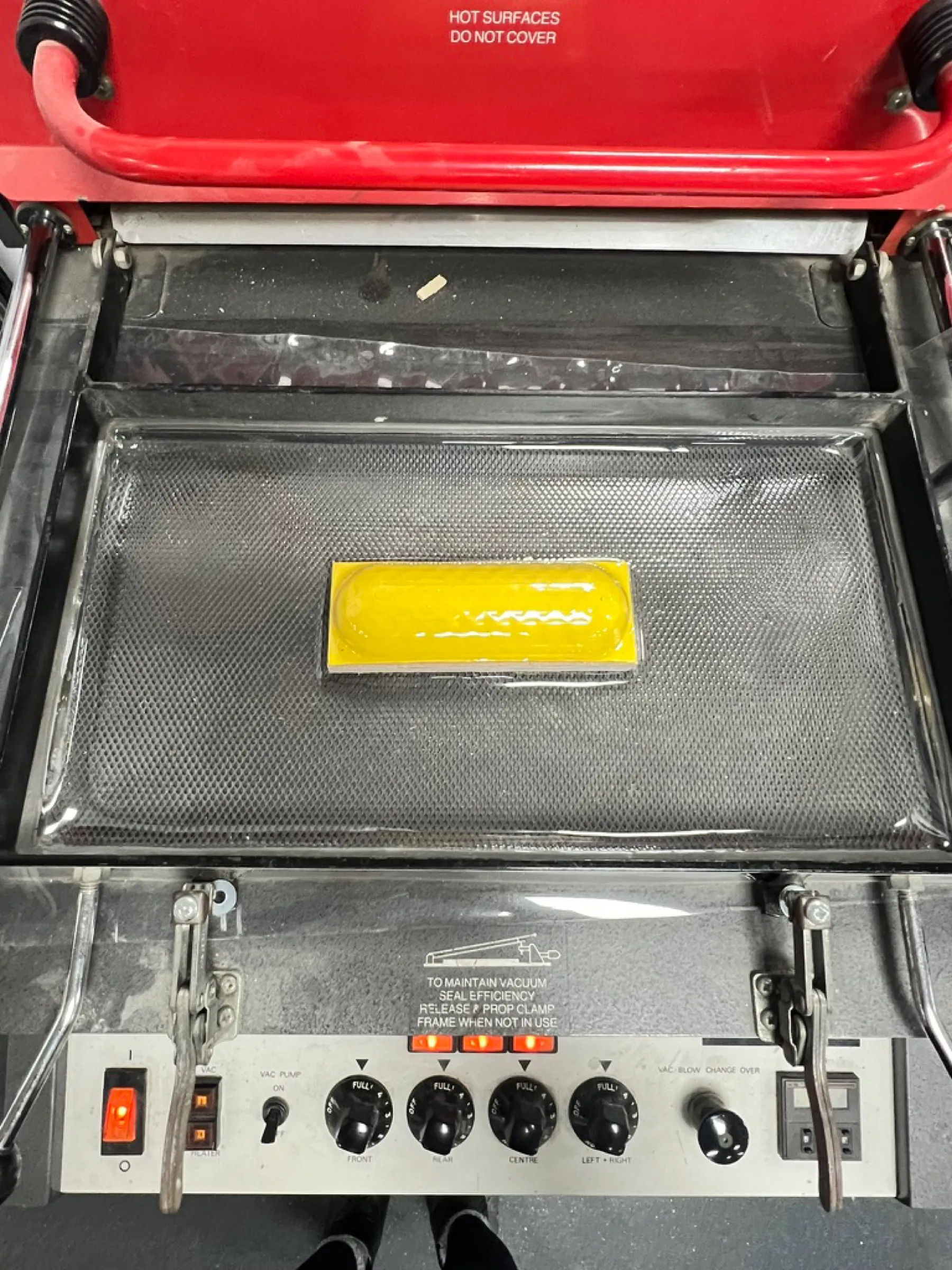
    The yellow housing on the bed of a vacuum forming machine, under a sheet of clear plastic.
    Vacuum forming the clear cover
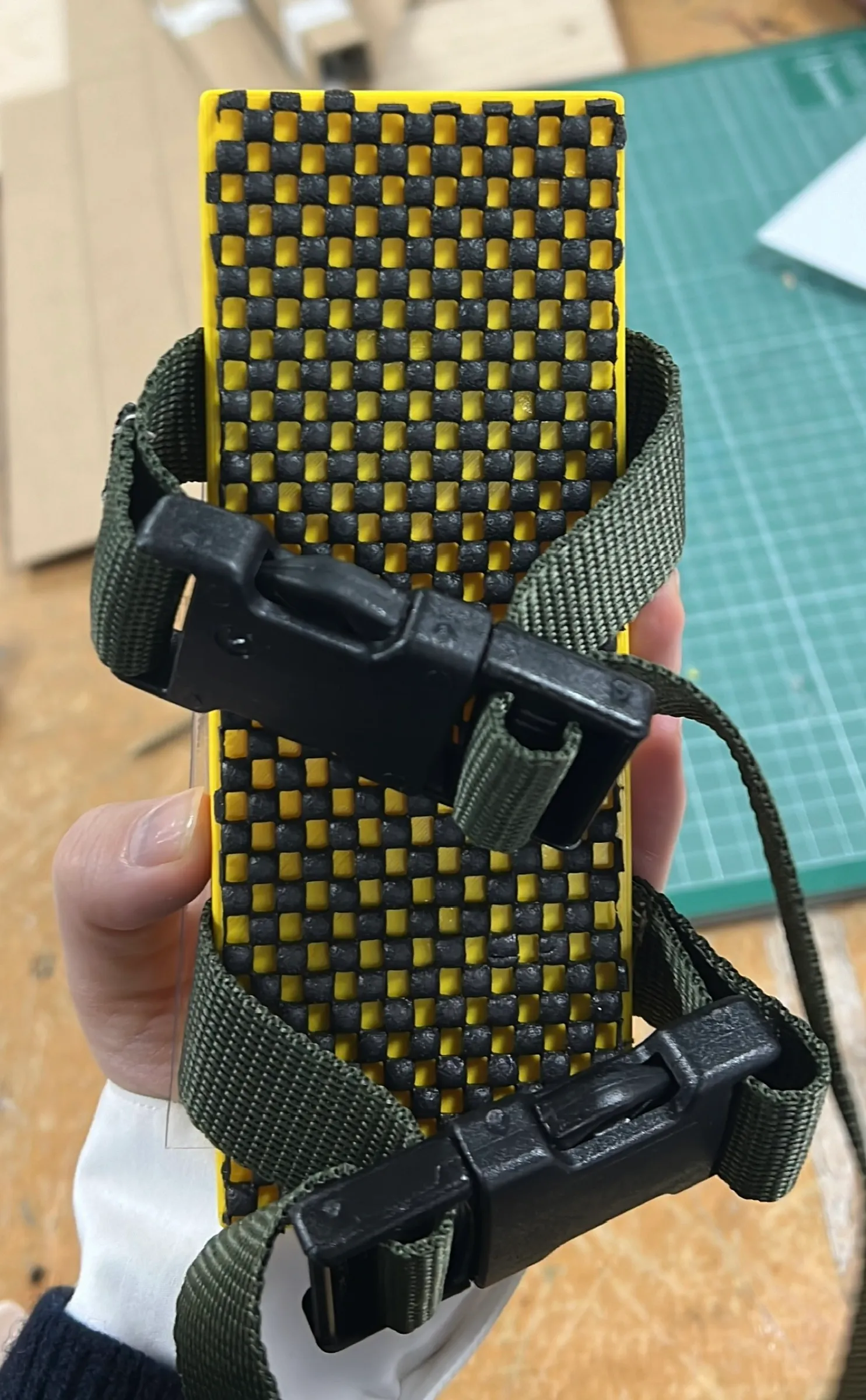
    The underside of the housing, held in a hand, with two green straps and black plastic clips around it.
    Straps and clips
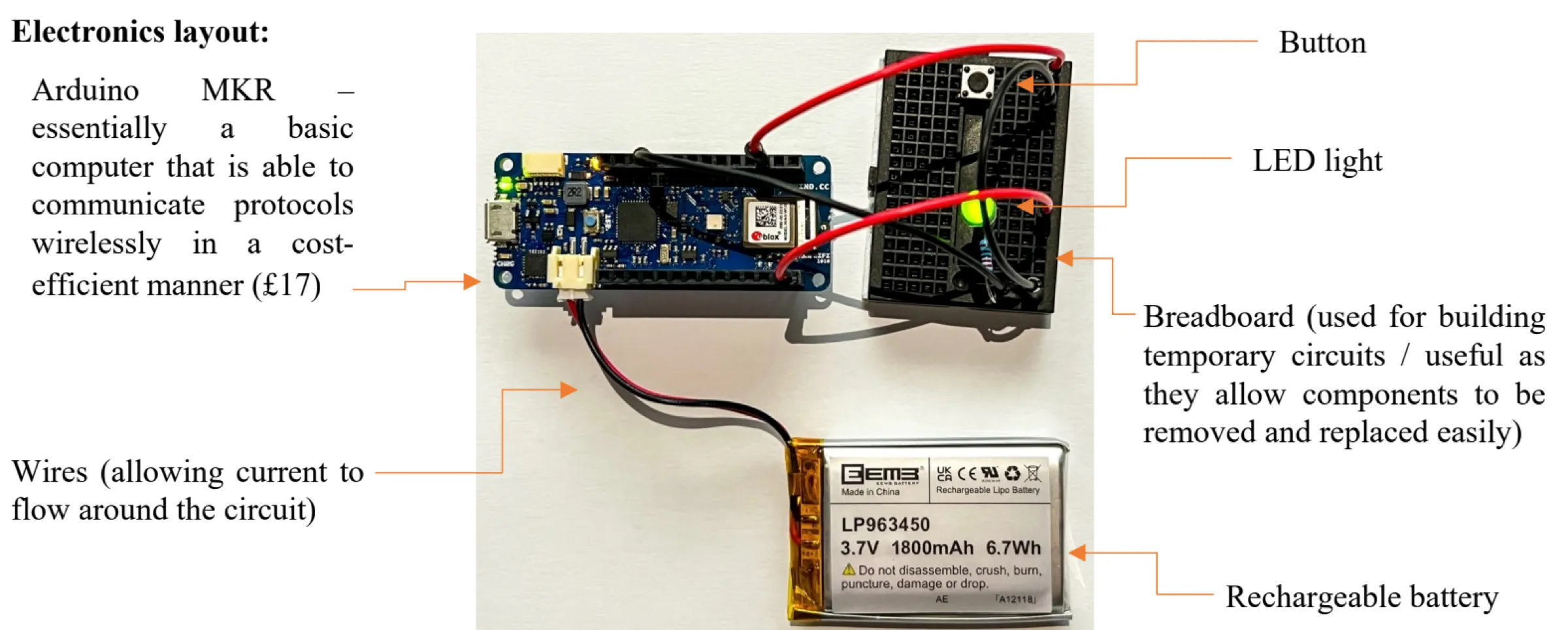
  4. Electronics layout:

  5. User testing

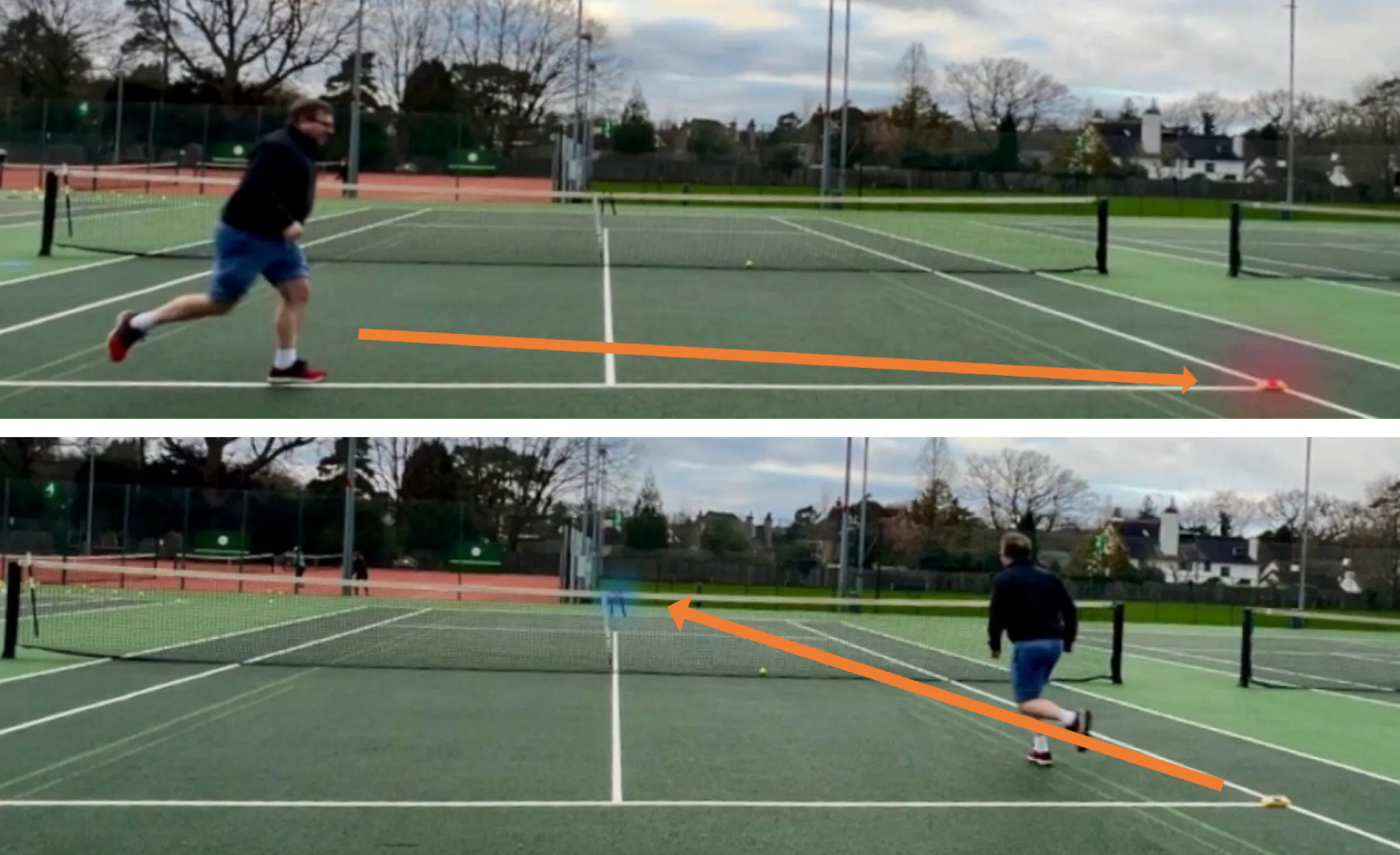
On court

Two photos of a player on a tennis court, running from one tile to the next, with orange arrows marking each run.

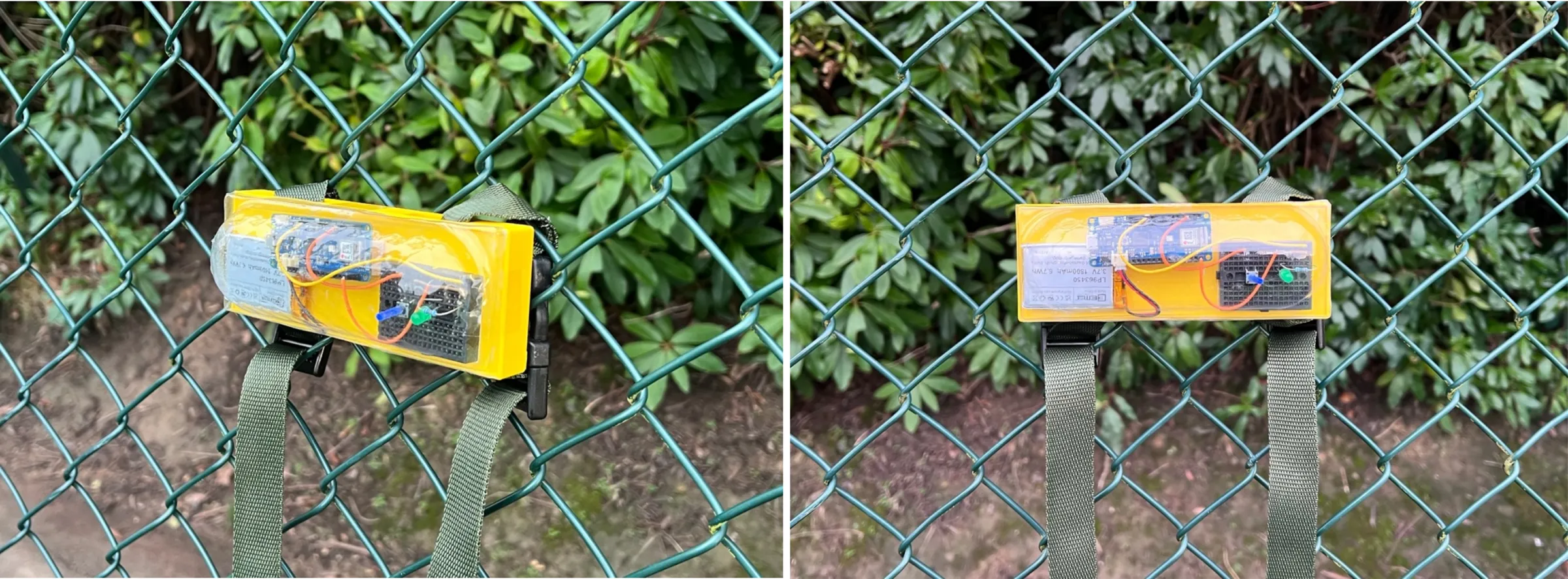
Final

Two finished tiles, yellow with clear covers, strapped to the chain-link fence of a tennis court.

Intuitive set up

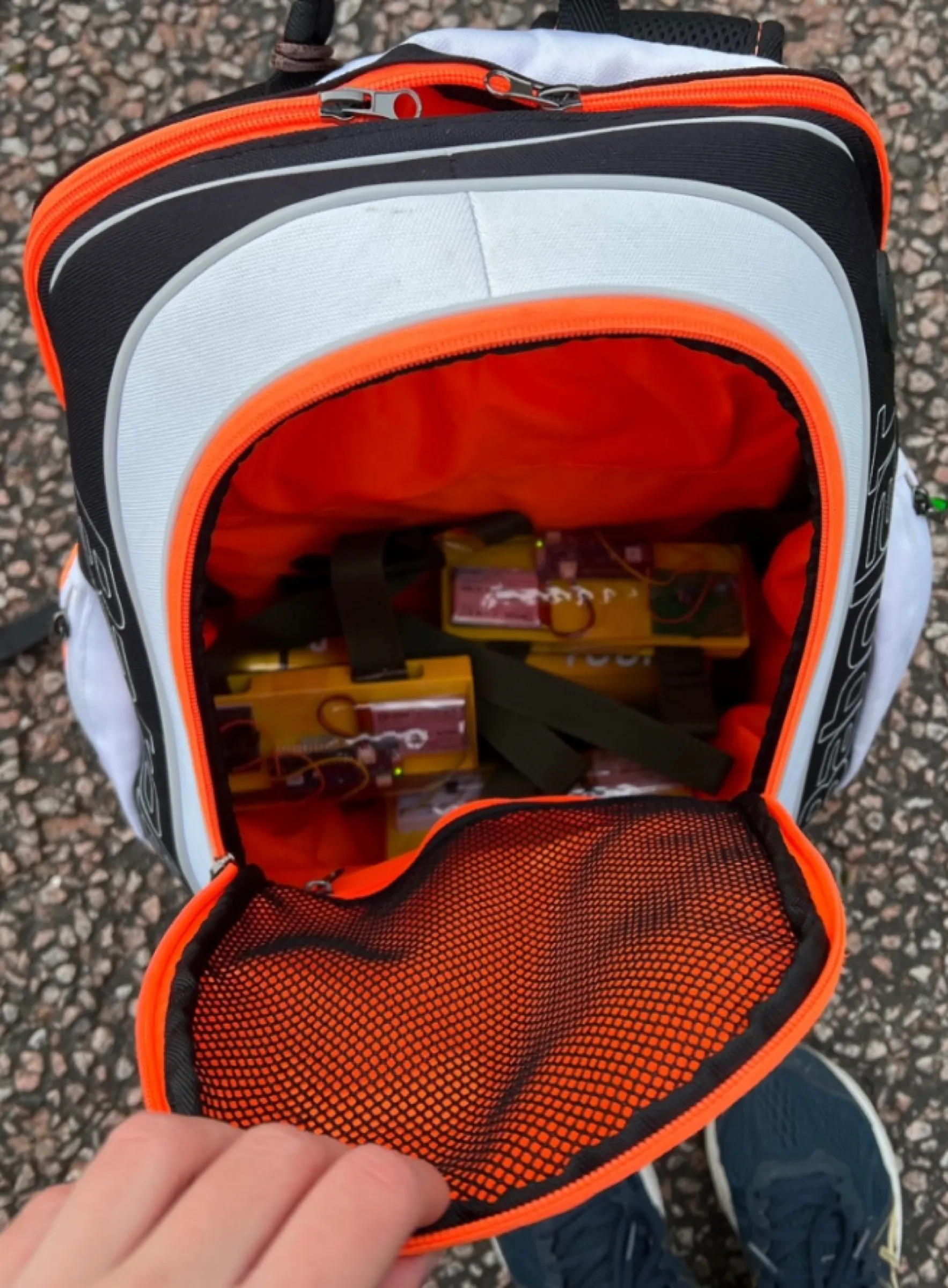
Tiles packed inside an open tennis backpack, in among the straps.

Easily portable – Taking up minimal space in tennis bag
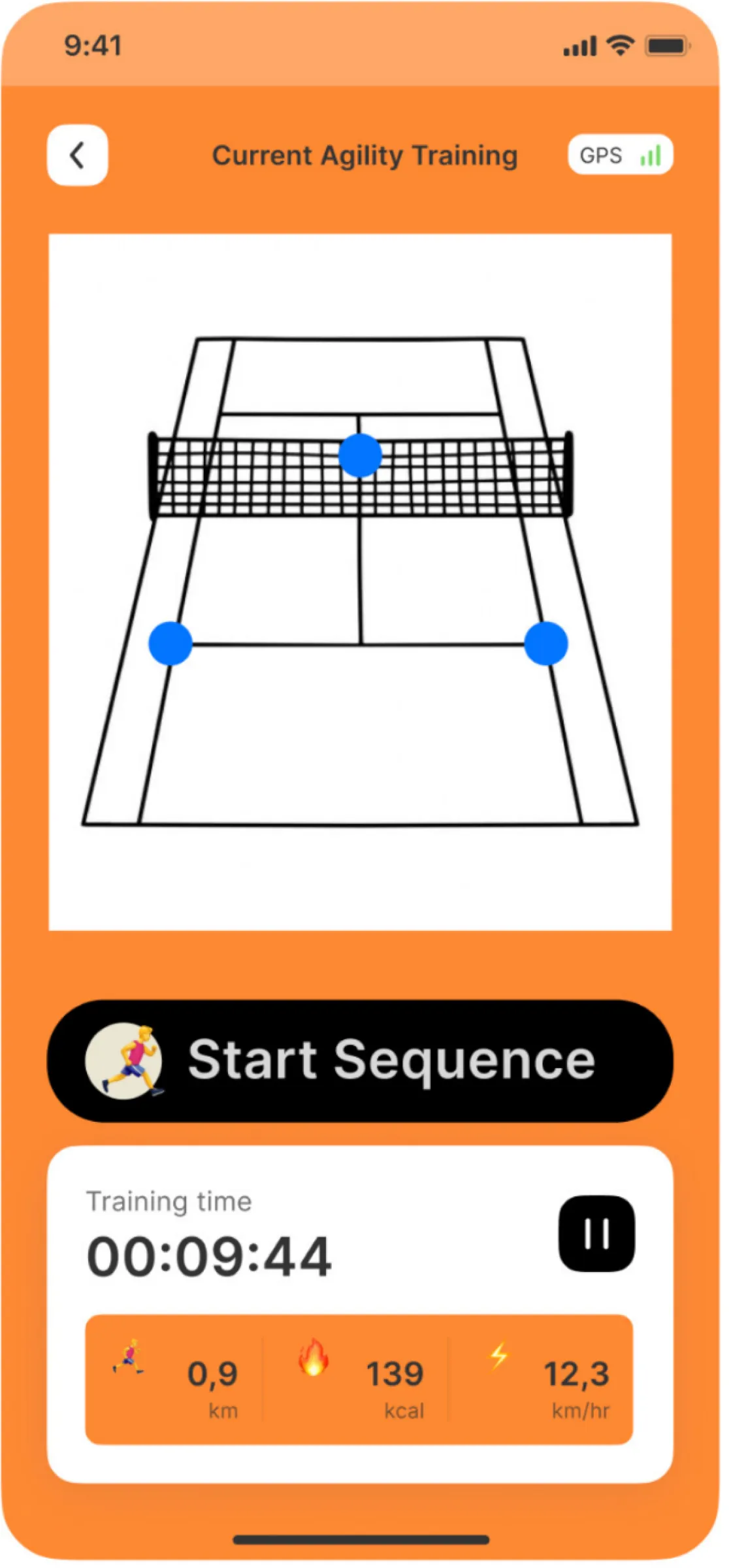
The app concept, in orange: Current Agility Training, a court drawing with three blue tile dots, a Start Sequence button, and a training time of 00:09:44.
App concept designed in Figma

Tap the lit tile before the next one comes on.